

Announcing Audora Feature Release 12/12/2025
What’s New in Audora (and Why Your Future Self Will Thank You)
If you’ve ever been mid-audit thinking, “I swear I already fixed this,” or “Which version of the report is the real one?”, this update batch is for you.
We’ve been rolling out improvements that make the everyday audit workflow smoother, less clicking, less hunting, less chaos. Here’s what’s new.
Edit files even after a control is “completed”
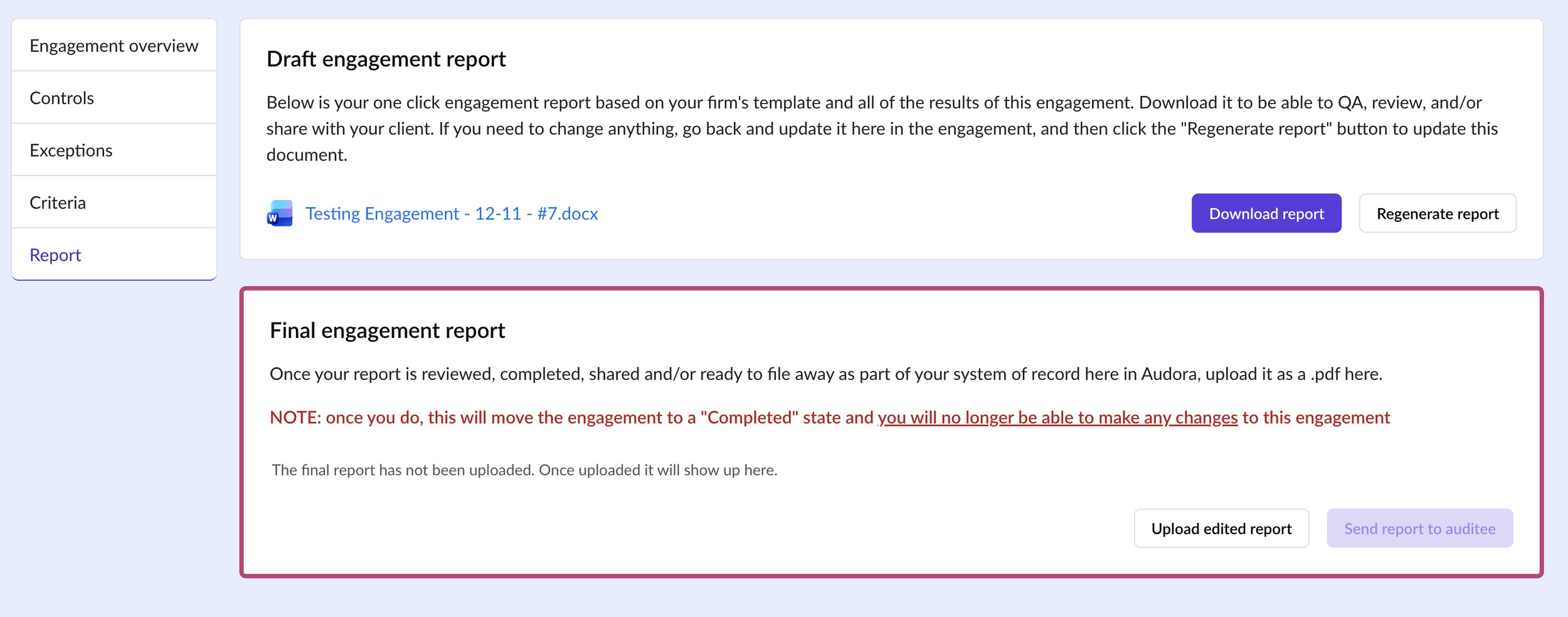
QA always finds something, right? Previously you could tweak the text on a control but not the attached files. Now you can update your workpapers even after the control is marked complete, no reopening gymnastics, no final_final_v7.docx.Report regeneration (no more version chaos)
Make a change to a control, click the button, boom, your draft report refreshes with the latest info from your engagement. One click, one source of truth, no more “wait, which version is this?” moments.
Faster start to your day: land on “My Tasks” after login
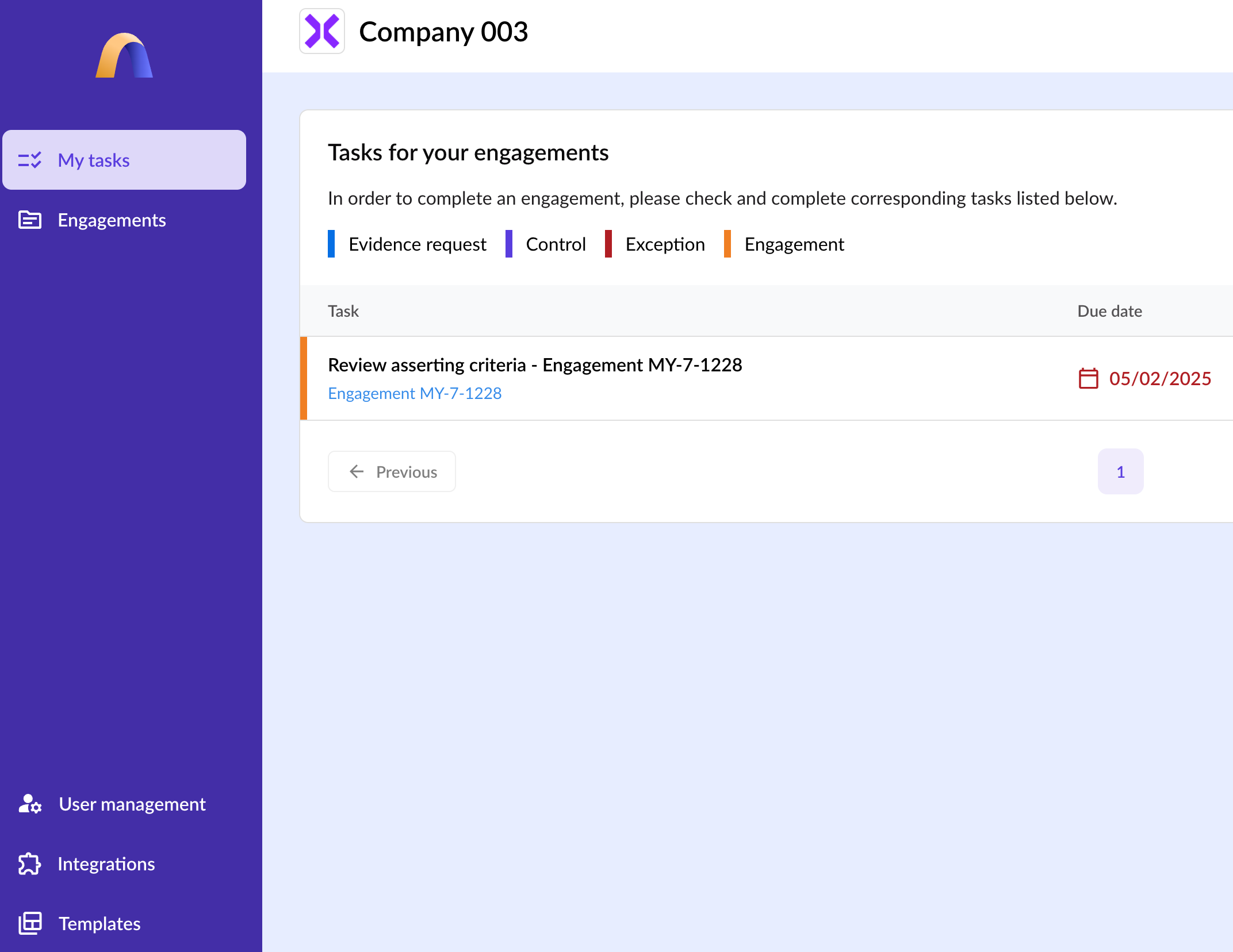
Log in and go straight to what actually needs your attention. No wandering around the app, just your to-do list, front and center.Cleaner, more intuitive navigation
We gave the sidebar a little spa day: things are reordered and easier to scan so you can get where you’re going faster.
Your Audora is now truly your Audora
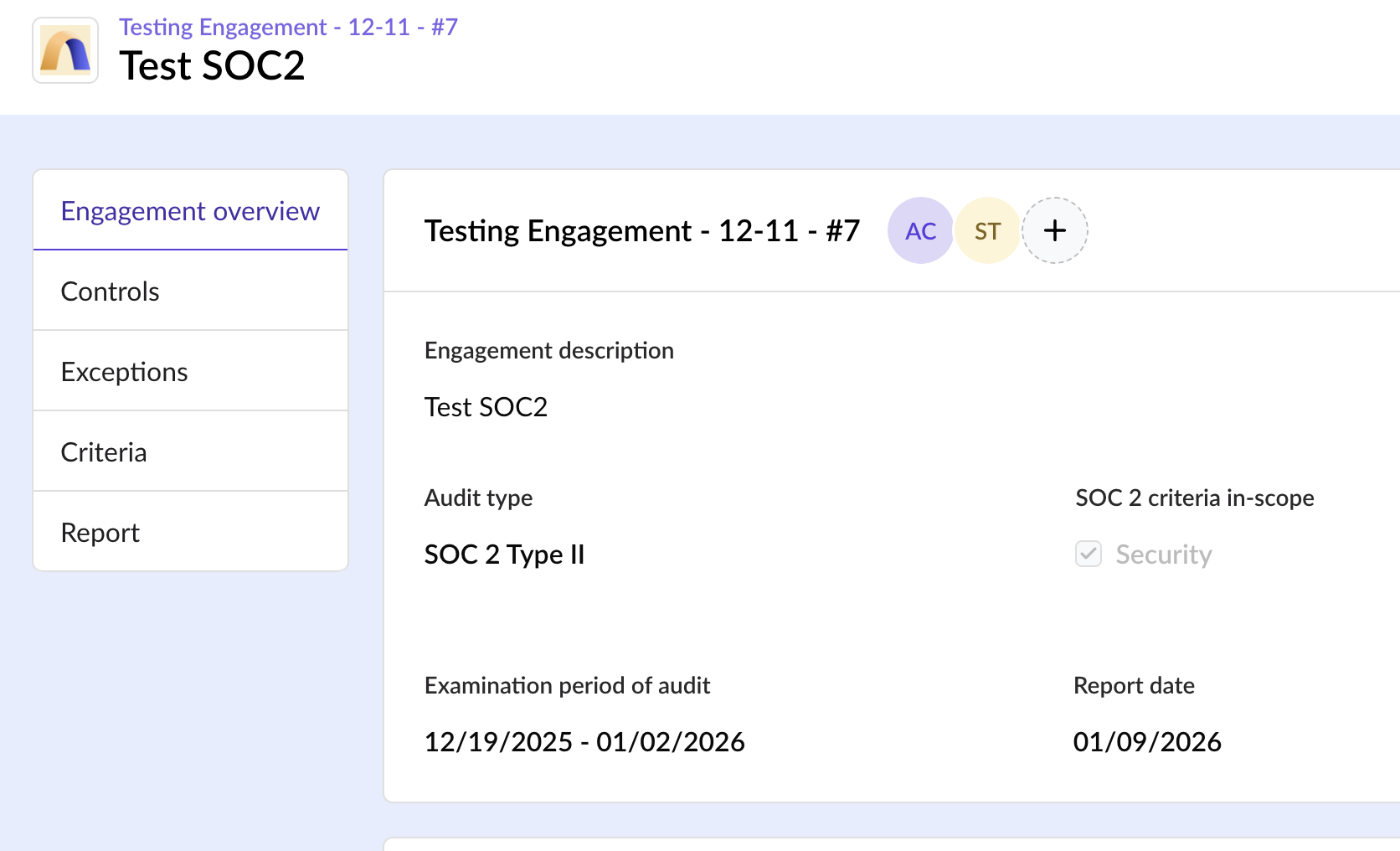
That header at the top? It’s your firm’s name and logo. Inside an engagement, you’ll also see your auditee’s logo and the engagement name, so you always know exactly where you are (and whose SOC 2 you’re living in today).
Sharper visuals across the app and emails
If our old logos looked a little fuzzy to you…same. We’ve swapped them for crisp SVGs so everything looks clean and professional on any screen, from laptop to giant partner monitor.Also: a few “under the hood” upgrades you’ll definitely appreciate
We patched a bunch of vulnerabilities to help keep the platform (and your data) locked down tight. Basically: fewer gremlins, more fortress.
Templates just got way less annoying
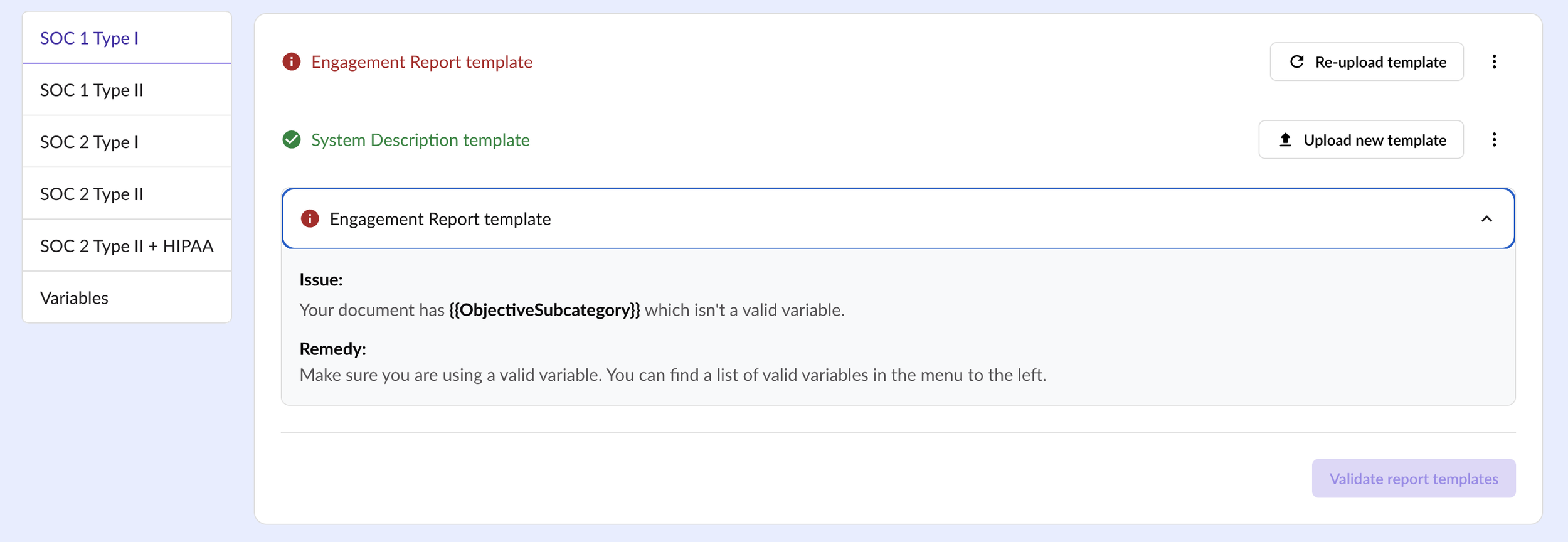
We beefed up template validation with clearer checks and actually-helpful error messages (no more “cool cool… but what is wrong?”).
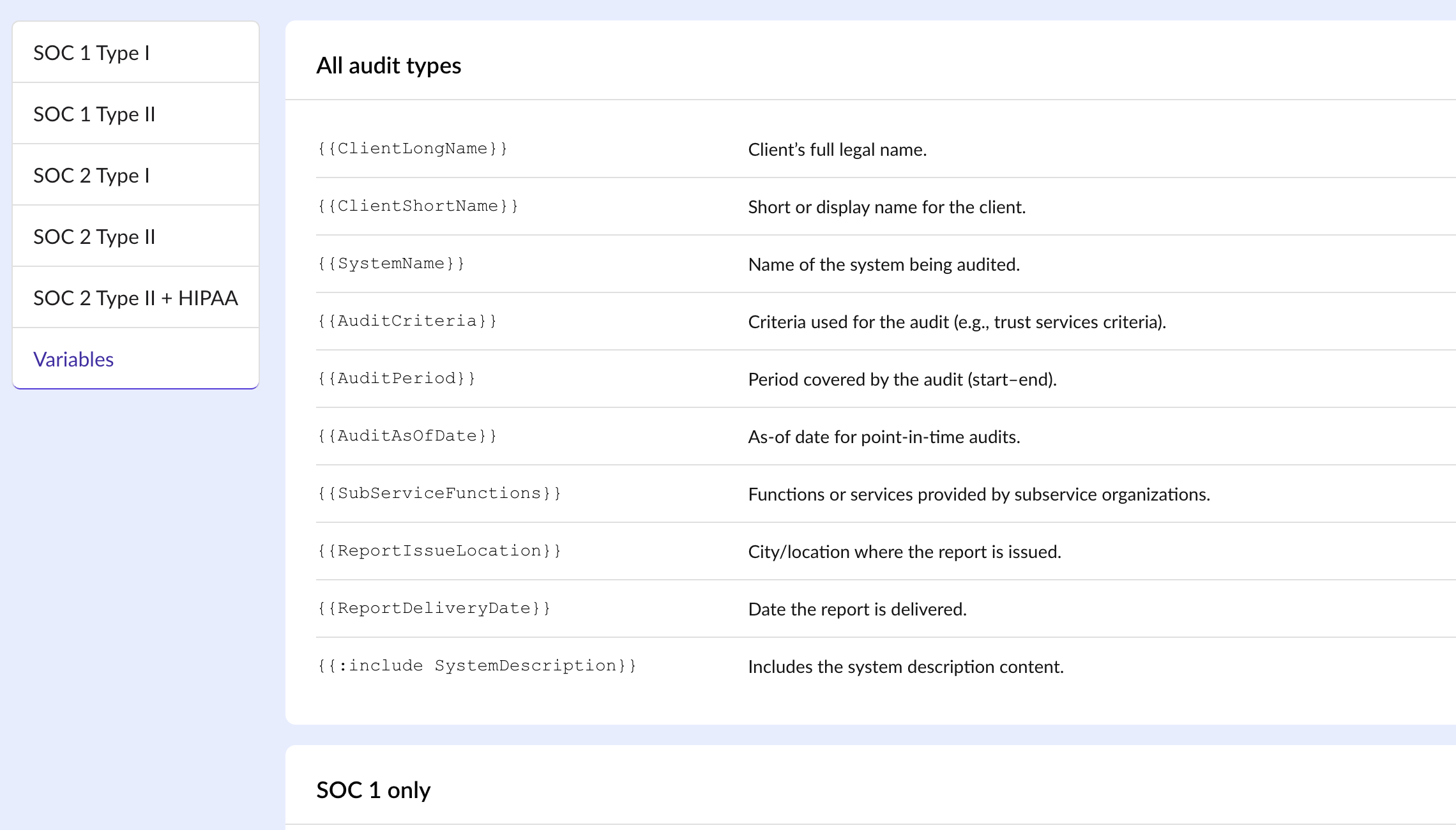
New: in-app template variables page
There’s now a dedicated page showing all available template variables, so you can stop playing detective and get back to building.
This release is all about reducing audit friction: edit workpapers even after completion, regenerate reports in one click, start in My Tasks, navigate faster, see clearer branding context, enjoy sharper visuals, plus security and template upgrades that make the platform more reliable and easier to use.
And we’re not slowing down, be on the lookout for more feature updates over the next few weeks as we keep tightening the workflow and shipping improvements auditors actually feel day-to-day.
